
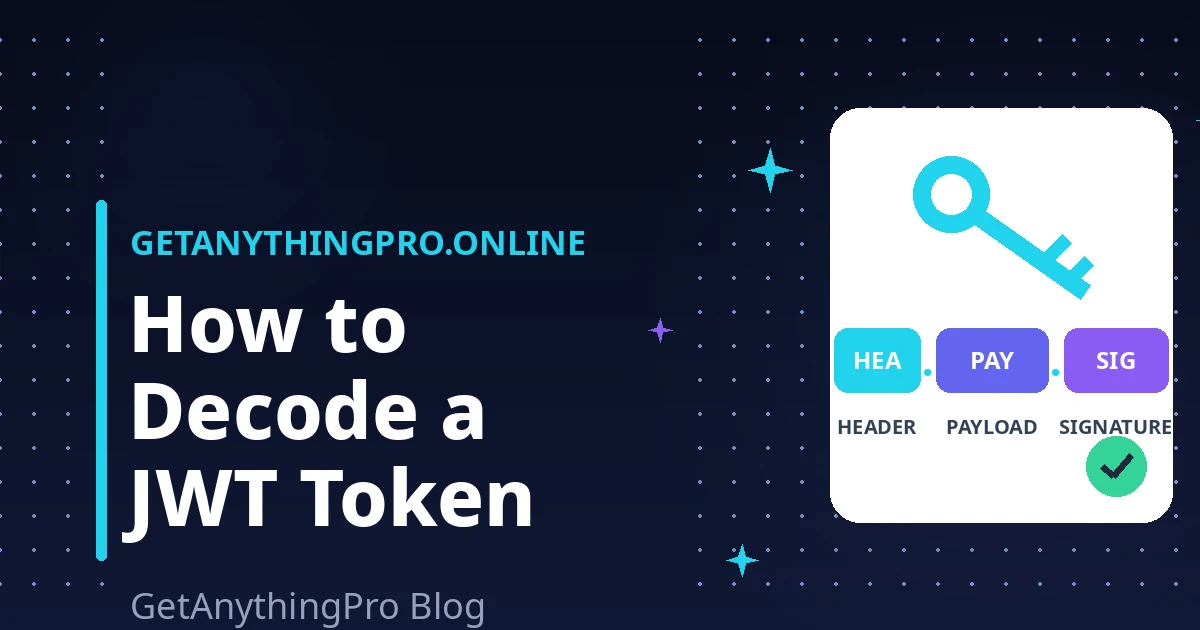
You copy a long, dot-separated string from your browser’s developer tools, an API response, or a config file, and someone says “just decode the JWT.” If you are wondering how to decode JWT token strings without learning cryptography first, you are in the right place. This guide walks you through the anatomy of a JWT — the header, the payload, and the signature — using one clearly fake sample token, and shows you how to read every part in seconds. Along the way, you will learn two warnings most tutorials bury: the payload is not encrypted, and you should never paste a real token into a random website.
Table of Contents
- What Is a JWT, in Plain English?
- The Anatomy: header.payload.signature
- How to decode JWT token by hand: the 3-step method
- Is JWT encrypted? No — and why that matters
- Reading exp and iat: the Unix Timestamp Trick
- Never Paste a Real Production Token into a Random Site
- Try It: Decode a JWT Right Now
- Frequently Asked Questions
- The Takeaway
What Is a JWT, in Plain English?
A JWT (pronounced “jot”) is a compact, URL-safe way to pass verified information between two parties. The most common use is authentication: when you log in to a website or app, the server hands your browser a token that says, in effect, “this request comes from user_12345, and I signed this so you know it is genuine.” Your browser then attaches that token to every API request, and the server trusts it because of the signature. This guide focuses on how to decode JWT token contents — reading the payload — not on verifying signatures, which requires the server’s secret key.
The Anatomy: header.payload.signature
Every JWT has the same three-part structure, separated by two dots:
header . payload . signatureEach part is encoded with Base64URL, a variant of Base64 that is safe to put in URLs (it swaps + and / for - and _, and drops the = padding). Decoding is therefore trivial, which is what makes how to decode JWT token data such a quick skill: split on the dots, Base64-decode each segment, and you get JSON for the first two parts and a cryptographic signature for the third.
Let’s look at a sample token. This one is completely fake and illustrative — do not use it anywhere:
eyJhbGciOiJIUzI1NiIsInR5cCI6IkpXVCJ9.
eyJzdWIiOiJ1c2VyXzEyMzQ1IiwibmFtZSI6IlNhbXBsZSBVc2VyIiwiaWF0IjoxNzU2MDAwMDAwLCJleHAiOjE3NTYwMDM2MDB9.
illustrative-signature-not-a-real-key
1. The header
When you learn how to decode JWT token headers, the first segment tells you which algorithm signed the token and that the token is a JWT. Decoding the first segment gives:
{
  "alg": "HS256",
  "typ": "JWT"
}
alg names the signing algorithm — here HMAC with SHA-256. Common values you will see are HS256 (a shared secret), RS256 (an RSA key pair), and ES256 (an elliptic-curve key pair).
2. The payload
The payload, also called the “claims,” carries the actual data — and it is the part you care about most when learning how to decode JWT token contents. Decoding the second segment gives:
{
  "sub": "user_12345",
  "name": "Sample User",
  "iat": 1756000000,
  "exp": 1756003600
}
Some claims are registered standards: sub (subject — who the token is about), iat (issued at), and exp (expires). Servers can also add any custom claims they like. Those giant numbers for iat and exp are Unix timestamps, and we will learn to read them in a moment.
3. The signature
The signature is the only part that is not readable JSON. It is created by taking the header and payload, signing them with the server’s secret key, and encoding the result. When a server receives a token, it re-computes this signature with its secret; if even one character of the header or payload was changed, the signatures will not match and the token is rejected. The signature is how the token is verified — but it does nothing to hide the contents, which brings us to the manual method for how to decode JWT token strings.
How to decode JWT token by hand: the 3-step method
Once you know how to decode JWT token segments, you can decode any JWT with nothing more than a Base64 decoder and this three-step process:
- Split the token on the dots. You should get exactly three segments. If you get two, something is wrong — or the token is a different format (such as an opaque API key) pretending to be a JWT.
- Base64URL-decode the first two segments. Remember that Base64URL is slightly different from standard Base64: replace
-with+and_with/, and re-add=padding until the length is a multiple of four. The first segment gives you the header JSON, the second the payload JSON. Our Base64 encoder/decoder handles the URL-safe variant for you — just paste a segment and read the result. - Leave the signature alone. It decodes to binary gibberish, which is expected. It is only meaningful to the server that holds the signing key.
That is the whole recipe for how to decode JWT token data by hand. For a one-click version, our JWT decoder runs all three steps in your browser and lays the header and payload out in a readable, syntax-highlighted view — with the fake-sample handling built in, so you can practice on a token like the one above before touching anything real.
Is JWT encrypted? No — and why that matters
Before you go further with how to decode JWT token payloads, here is the warning most quick tutorials skip. A JWT is signed, not encrypted. Base64 is an encoding, not a cipher — it is designed for readability, not secrecy. Anyone who has the token string can decode the payload in seconds, with no key and no permission. Decoding a JWT never “unlocks” it; it just displays what was always visible.
The practical consequences are serious:
- Never put secrets in a token. Passwords, API keys, internal database IDs, or anything else sensitive do not belong in the payload. A JWT passes through browsers, logs, proxies, and analytics tools — assume everyone along the way can read it.
- Treat tokens like passwords. A valid JWT grants the same access as being logged in. Do not paste one into a chat message, a bug report, a public forum, or a screenshot. The famous “jwt.io” debugger even greys out its display when it detects a known token format, precisely because people paste real tokens there by accident.
- “Anyone can read it” does not mean “anyone can forge it.” Without the server’s secret key, an attacker cannot produce a valid signature for modified claims. That is why the signature matters — it is the difference between readable and trustworthy.
If you genuinely need the contents hidden, what you want is a JWE (JSON Web Encryption) — a different, genuinely encrypted token format — not a JWT with extra wishful thinking. For the official details on the distinction, the JWT introduction at jwt.io is the canonical reference.
Reading exp and iat: the Unix Timestamp Trick
Once you know how to decode JWT token payloads, two of the most useful claims are also the most cryptic at first glance. iat (“issued at”) records when the token was created, and exp (“expires”) records when it stops being valid. Both are Unix timestamps: the number of seconds since January 1, 1970.
From our fake sample, iat: 1756000000 converts to 2025-08-24 01:46 UTC, and exp: 1756003600 to 2025-08-24 02:46 UTC — so this token was valid for exactly one hour. That one-hour lifetime is typical: short-lived access tokens limit the damage if one leaks.
Reading these by hand is impractical, so here is the trick: our JWT decoder converts exp and iat to human-readable dates automatically. If you want to convert any timestamp manually, use our Unix timestamp converter — it works in both directions, so you can also generate an exp value when you are building tokens in your own projects.
Why does this matter? Because the most common JWT debugging question is “why is my token being rejected?” — and the most common answer is that exp has already passed. Knowing how to decode JWT token expiry claims turns that question into a ten-second diagnosis.
Never Paste a Real Production Token into a Random Site
This is the second warning competitors bury, and it is the more dangerous one. Remember: a valid JWT is the login. Anyone who copies your production token can impersonate you — call your APIs, read your data, spend your account balance — until that token expires. Even if you know how to decode JWT token data locally, pasting a production token into a random online decoder hands that power to a stranger’s server, where it may be logged, cached, or breached.
Before you decode a real token anywhere, ask yourself:
- Does this tool run locally in my browser? A proper decoder for how to decode JWT token strings uses JavaScript on your machine and never sends the token to a server. (Our JWT decoder does exactly this — your token never leaves your device.)
- Is the token from production or a test environment? If it is production, prefer a local tool or your own backend logs. If it is a test token from a sandbox, the risk is far lower — but build the safe habit anyway.
- Can I use a fake token instead? Most debugging questions — “why is this claim missing?”, “is the expiry right?”, “which algorithm is this?” — can be answered with a fabricated token like the one in this article, with zero risk.
A good rule of thumb: if the token would embarrass or endanger you in someone else’s hands, it does not go into a website you do not control.
Try It: Decode a JWT Right Now
The best way to cement how to decode JWT token strings is to decode one yourself. Open our free JWT decoder, paste the fake sample token from this article, and watch the header, payload, and timestamps lay themselves out — all in your browser, with nothing sent to any server.
Frequently Asked Questions
Can I decode a JWT without the secret key?
Yes — how to decode JWT token contents requires only the token itself, because the header and payload are merely Base64URL-encoded, not encrypted. You need the secret key only to verify the signature or to create new tokens. That is exactly why you should never put secrets in a payload: anyone who has the token can read it without any key.
Why does my JWT say “invalid token” when I decode it?
“Invalid” usually means one of three things: the token expired (check the exp timestamp), the signature does not match (the token was tampered with, or was signed with a different key), or the string is not a JWT at all (some APIs issue opaque random-string tokens). Decode it first — the header and exp claim tell you which problem you have.
What is the difference between a JWT and an API key?
An API key is an opaque random string — meaningless on its own, and the server looks it up in a database. A JWT is self-contained: the payload carries the claims, and the signature proves they are genuine, so the server can verify it without a database lookup. That statelessness is why JWTs dominate modern APIs.
How do I check when a JWT expires?
To check expiry, decode the payload and look at the exp claim — the same how-to-decode-JWT-token process as above — then paste the number into our Unix timestamp converter to see the human-readable date, or use our JWT decoder, which converts it for you automatically. If exp is in the past, the token is expired and must be refreshed.
Is it safe to store a JWT in localStorage?
It is common but not risk-free: any JavaScript running on your page — including malicious injected scripts (XSS) — can read localStorage. Cookies with the HttpOnly flag cannot be read by JavaScript, which is safer, though they need CSRF protection. There is no perfect option; the right choice depends on your app’s threat model, so treat this as a real security decision, not a default.
What does “alg: none” mean in a JWT header?
It means the token claims to need no signature verification at all. Some libraries historically accepted this, which let attackers strip the signature off a real token and present it as valid — a famous vulnerability class. Modern servers should reject alg: none outright. If you ever see it in a token you are debugging, flag it immediately: something is misconfigured.
The Takeaway
Learning how to decode JWT token data is just splitting on dots and reading Base64 — a ten-second skill once you know the anatomy. The deeper lesson is the pair of warnings: the payload is readable by anyone, so keep secrets out of it; and a real token is as powerful as a password, so decode it locally. With those two habits, you can inspect any token confidently — and safely.